A thoughtful place to begin
Keep family photographs together with care.
Gather original photographs in a private family draft. Add them when you are ready, then return to the same collection later.
Your selected photos stay just as you submitted them.
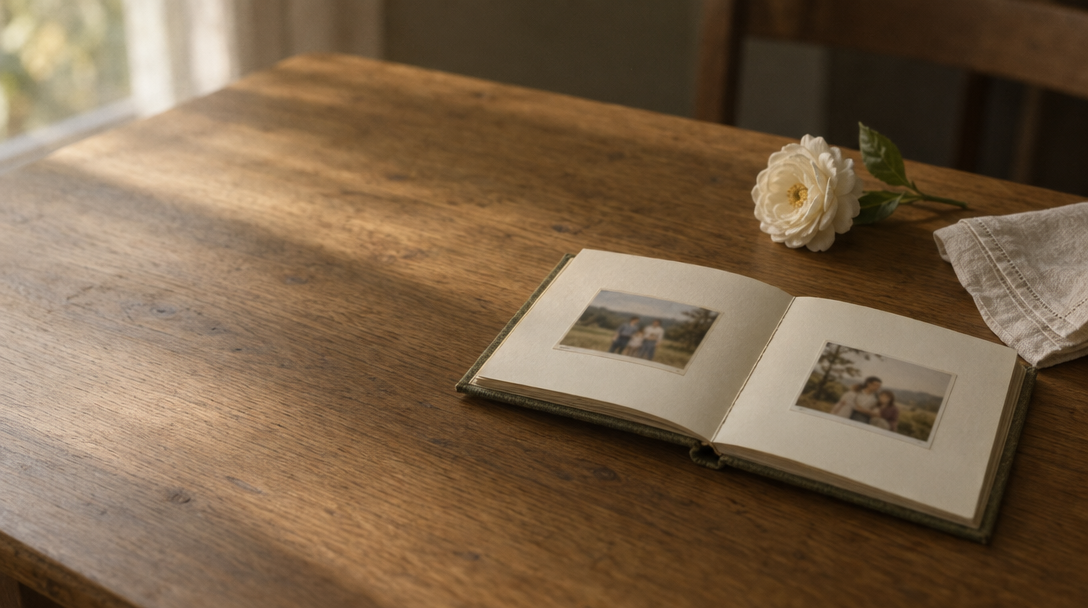
A simple way to begin
A private draft your family can return to.
Start with the photographs you have, and decide which originals you want to keep together.
- 01
Create your private account
Sign in to keep a draft that belongs to your family account.
- 02
Choose original photos
Confirm that you have permission to submit each selected photo before it is saved.
- 03
Return when you are ready
Your private draft and saved originals will be waiting when you sign in again.
A promise of respect
Your original photos stay unchanged.
This photo intake keeps each original as submitted. It does not restore, retouch, or otherwise alter the image.
Photos are accepted only after you confirm you have permission to share them.
A careful place to gather what you already have.
Private photo intake
Begin with the photographs you choose.
Create a draft, select original images, and save them in your private family space. There is no editing or finished video in this intake experience.
For funeral homes & celebrants
A clear starting point to share with a family.
Families can make a free private draft, submit chosen photos after confirming permission, and return to the same account later. The full tribute video workflow is still in development.
Information for funeral homes & celebrantsA few clear answers
Before you begin.
Does this draft change the photos?
No. This intake saves original photographs as submitted. It does not restore or alter them.
Which image files can I add?
JPEG, PNG, GIF, and WebP images are accepted, up to 20 MB each.
Can I return to my photos later?
Yes. Sign in to the same account to reopen your private draft and saved originals.